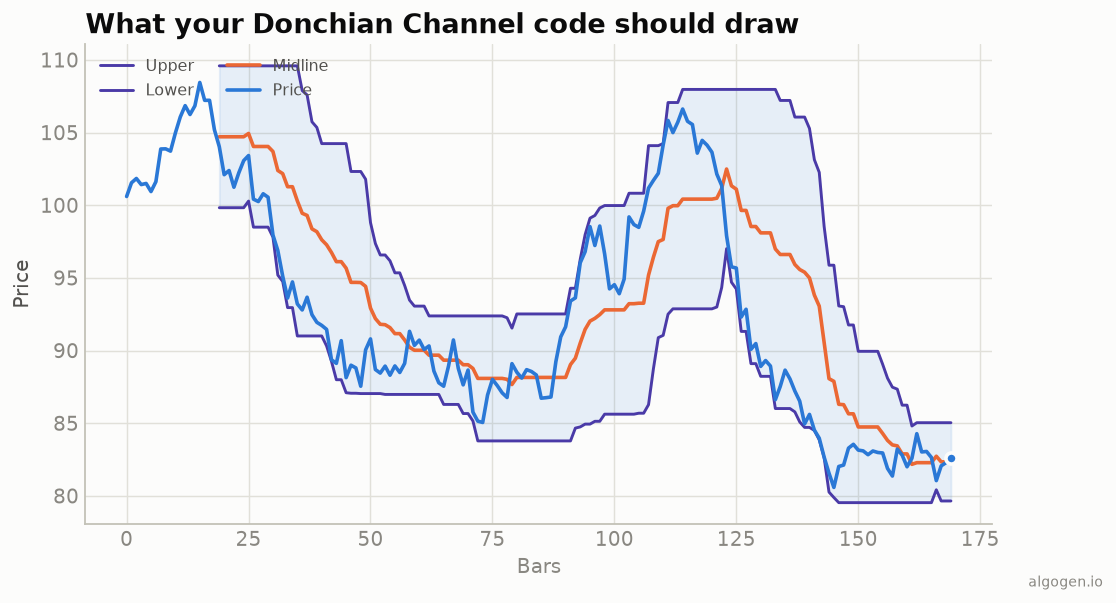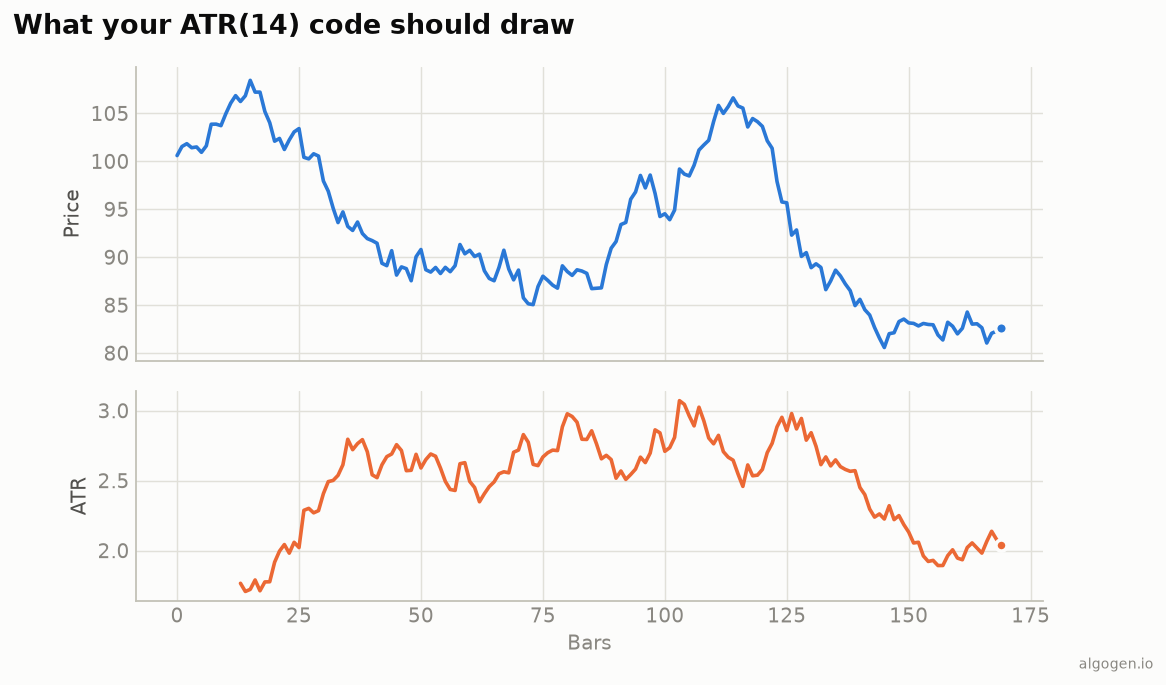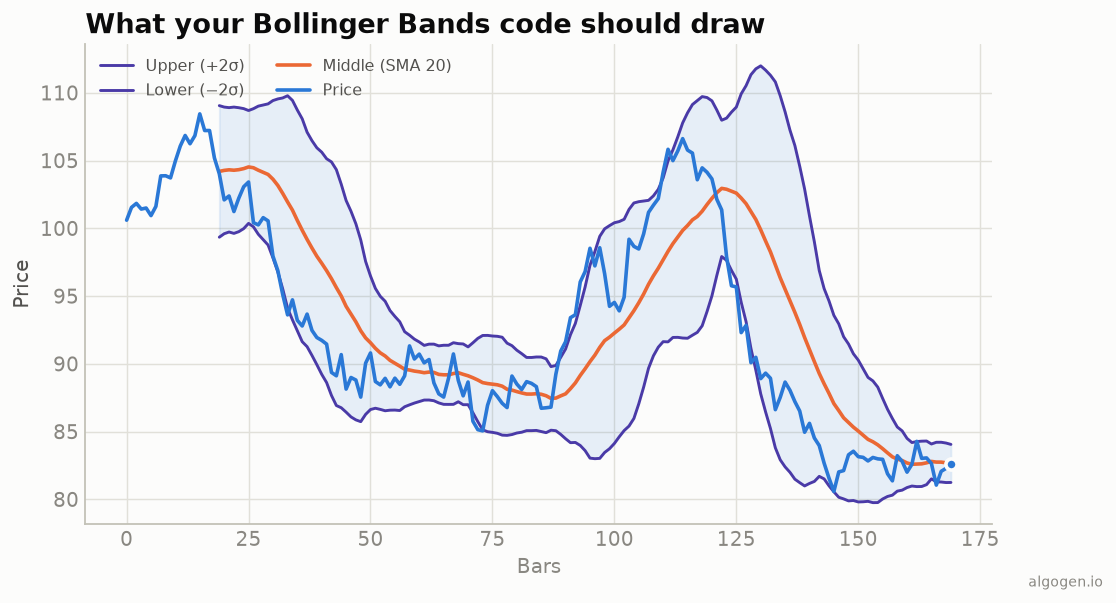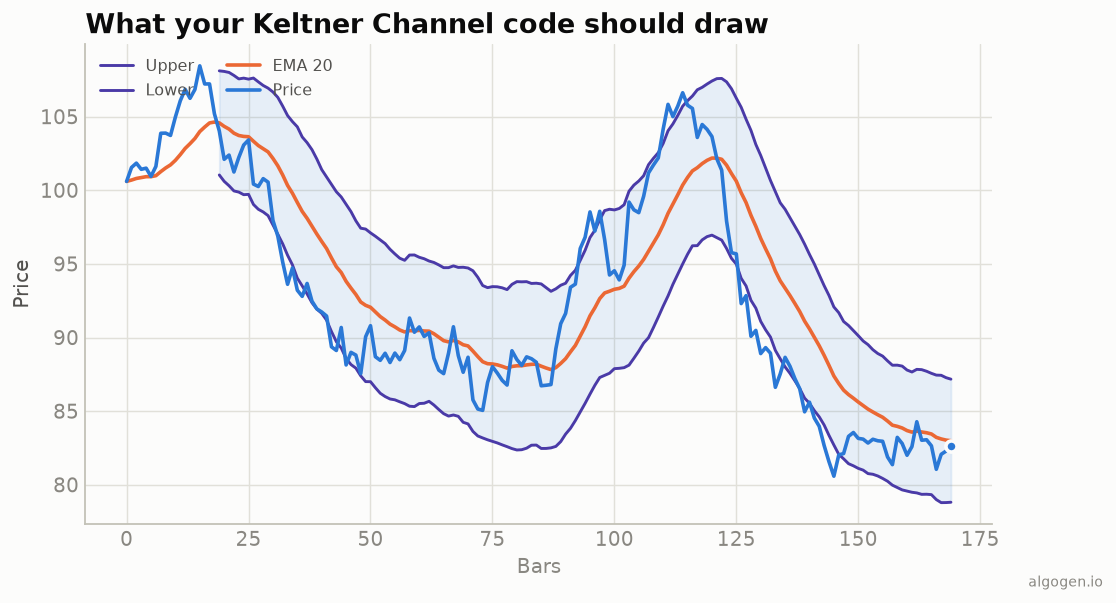
Keltner Channels in NinjaScript reuse two built-ins — EMA and ATR — for a
short, correct implementation. See the explainer
for the concept.
What you’ll need
- NinjaTrader 8
- New → NinjaScript Editor → Indicators → New Indicator, name it
AlgoGenKeltner
The source
#region Using declarations
using System;
using System.Windows.Media;
using NinjaTrader.NinjaScript;
using NinjaTrader.NinjaScript.Indicators;
#endregion

namespace NinjaTrader.NinjaScript.Indicators
{
    public class AlgoGenKeltner : Indicator
    {
        protected override void OnStateChange()
        {
            if (State == State.SetDefaults)
            {
                Name        = "AlgoGen Keltner";
                Description = "Keltner Channel (EMA + ATR bands)";
                EmaPeriod = 20; AtrPeriod = 10; Mult = 2.0;
                IsOverlay = true;

                AddPlot(new Stroke(Brushes.OrangeRed, 2),    PlotStyle.Line, "Middle");
                AddPlot(new Stroke(Brushes.MediumPurple, 1), PlotStyle.Line, "Upper");
                AddPlot(new Stroke(Brushes.MediumPurple, 1), PlotStyle.Line, "Lower");
            }
        }

        protected override void OnBarUpdate()
        {
            if (CurrentBar < Math.Max(EmaPeriod, AtrPeriod))
                return;

            double mid  = EMA(EmaPeriod)[0];
            double band = Mult * ATR(AtrPeriod)[0];

            Middle[0] = mid;
            Upper[0]  = mid + band;
            Lower[0]  = mid - band;
        }

        #region Properties
        [NinjaScriptProperty][System.ComponentModel.DataAnnotations.Range(1, int.MaxValue)]
        [System.ComponentModel.Display(Name = "EmaPeriod", GroupName = "Parameters", Order = 0)]
        public int EmaPeriod { get; set; }

        [NinjaScriptProperty][System.ComponentModel.DataAnnotations.Range(1, int.MaxValue)]
        [System.ComponentModel.Display(Name = "AtrPeriod", GroupName = "Parameters", Order = 1)]
        public int AtrPeriod { get; set; }

        [NinjaScriptProperty][System.ComponentModel.DataAnnotations.Range(0.1, double.MaxValue)]
        [System.ComponentModel.Display(Name = "Mult", GroupName = "Parameters", Order = 2)]
        public double Mult { get; set; }

        [Gui.Browsable(false)][System.Xml.Serialization.XmlIgnore] public Series<double> Middle => Values[0];
        [Gui.Browsable(false)][System.Xml.Serialization.XmlIgnore] public Series<double> Upper  => Values[1];
        [Gui.Browsable(false)][System.Xml.Serialization.XmlIgnore] public Series<double> Lower  => Values[2];
        #endregion
    }
}
Compile & apply
- Press F5 to compile.
- Add AlgoGen Keltner to a chart; three lines overlay price, matching the output chart.
Gotchas
EMAandATRbuilt-ins. Reusing them guarantees your centerline and band width match NinjaTrader’s own calculations.EMAgives the modern centerline (an SMA would be the 1960 style).- Separate periods. EMA and ATR lengths differ (20/10 here); keep them as distinct inputs.
- Squeeze. For the Bollinger-inside-Keltner squeeze, compare against the
built-in
Bollingerindicator:
// In OnBarUpdate, after computing Upper/Lower:
bool squeeze = Bollinger(2, 20).Upper[0] < Upper[0]
            && Bollinger(2, 20).Lower[0] > Lower[0];
if (squeeze) BackBrush = Brushes.WhiteSmoke;   // shade compressed bars
- Warm-up. The
CurrentBar < Math.Max(EmaPeriod, AtrPeriod)guard skips bars before both inputs have enough history. - Breakout entries. In a strategy,
CrossAbove(Close, Upper, 1)after a squeeze is the classic coil-then-break entry.
That’s the five-language set: Python, MQL5, Pine Script, EasyLanguage, and this one. Now test a Keltner strategy in AlgoGen.
This post is educational, not financial advice. Indicators describe the past; they don’t predict the future. Backtest anything before you risk real money on it.
Sources and further reading
- NinjaScript system indicator methods (NinjaTrader)