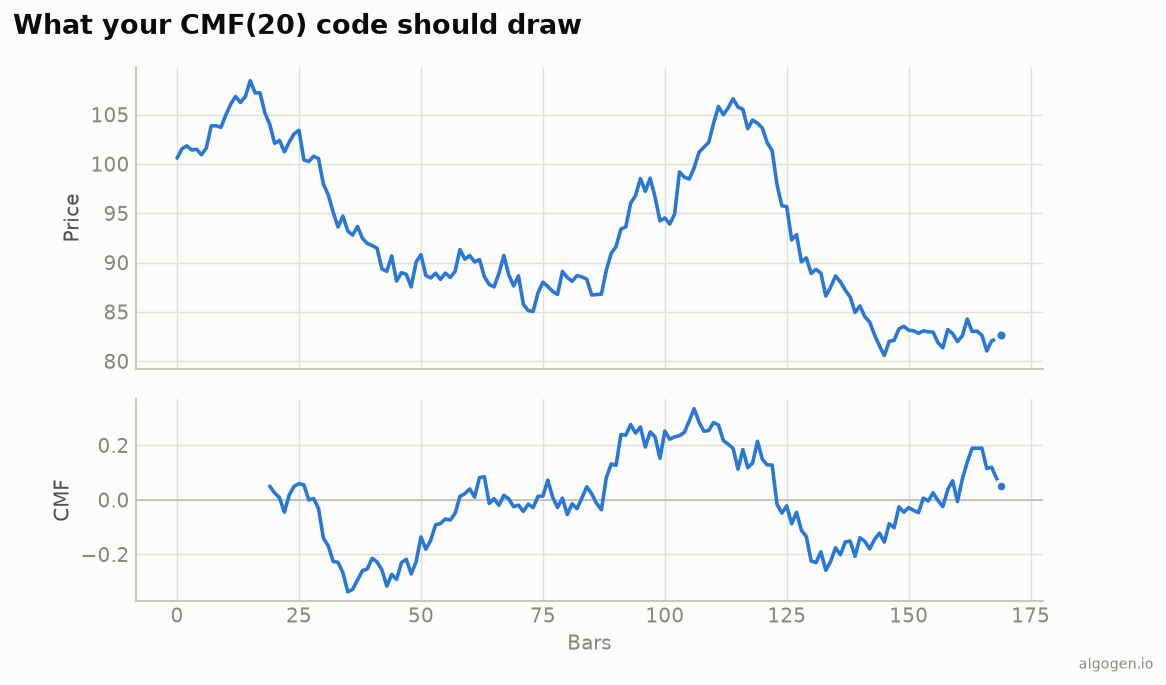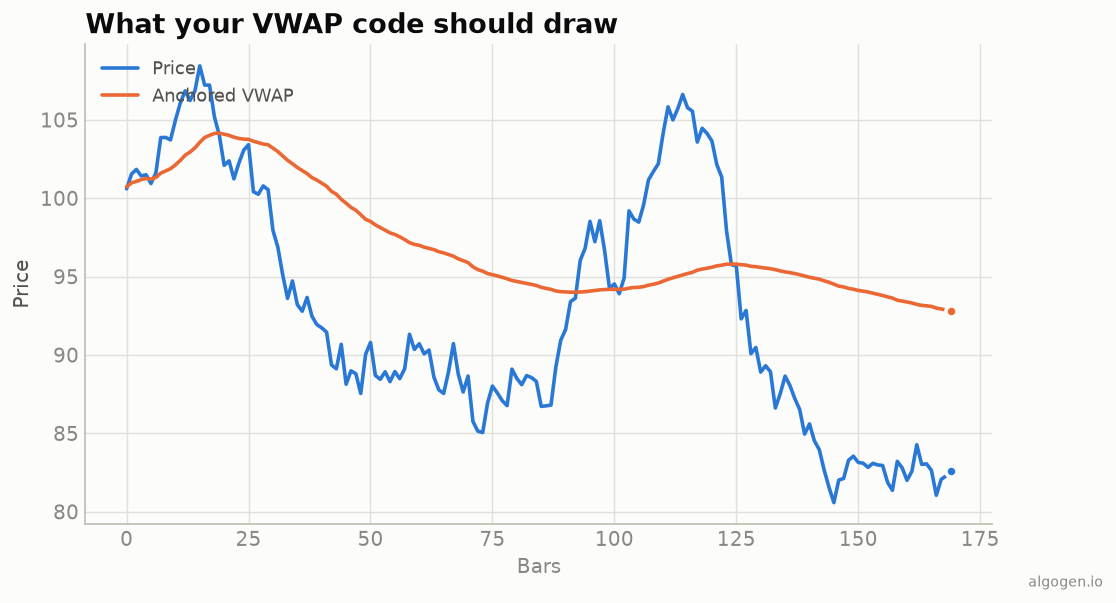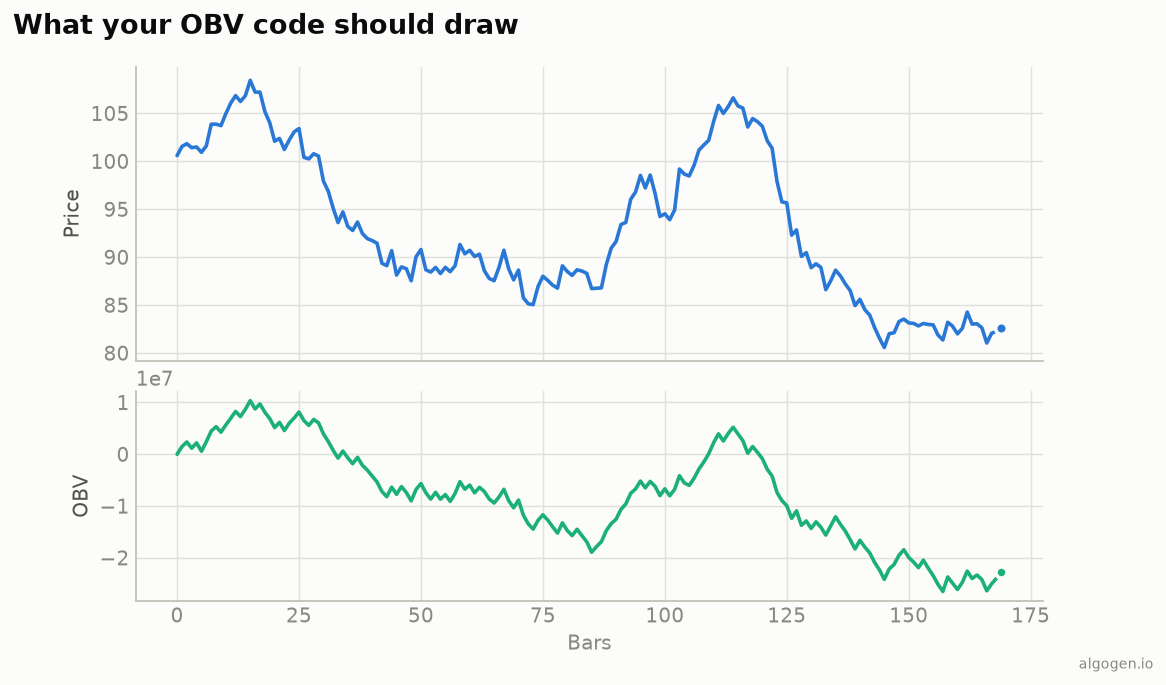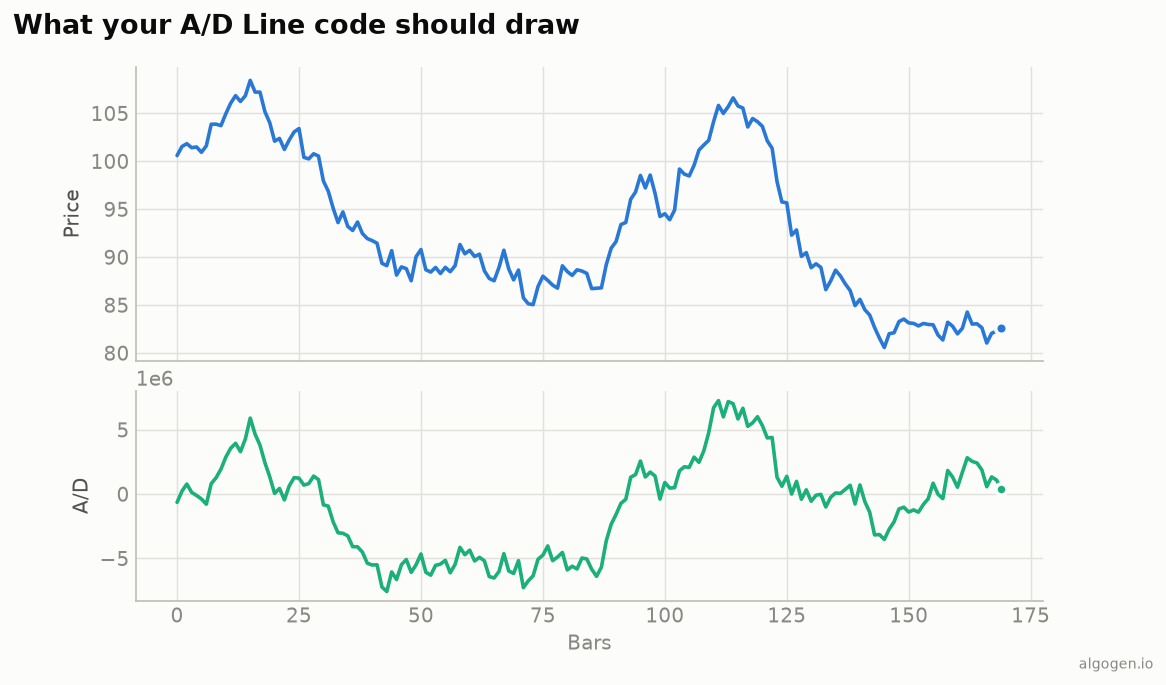
The A/D Line in EasyLanguage is a close-location multiplier times volume, accumulated
with a [1] self-reference. See
the explainer for the concept.
What you’ll need
- TradeStation or MultiCharts
- The EasyLanguage / PowerLanguage Editor, new Indicator
The source
{ AlgoGen A/D Line — TradeStation / MultiCharts }
variables:
    Rng( 0 ), MFM( 0 ), ADval( 0 );

Rng = High - Low;
if Rng = 0 then
    MFM = 0
else
    MFM = ( ( Close - Low ) - ( High - Close ) ) / Rng;

if CurrentBar = 1 then
    ADval = MFM * Volume
else
    ADval = ADval[1] + MFM * Volume;   { cumulative running total }

Plot1( ADval, "A/D Line" );
MFM is the close-location value; multiplying by Volume and adding to ADval[1]
accumulates the running A/D Line from the output chart.
The Chaikin Oscillator
{ Add for Chaikin's companion }
Plot2( XAverage( ADval, 3 ) - XAverage( ADval, 10 ), "Chaikin Osc" );
A MACD of the A/D Line — Chaikin’s own zero-centered money-flow momentum reading.
Spotting divergence
The A/D Line earns its keep confirming (or contradicting) price. A simple divergence check over a lookback:
inputs: DivLen( 20 );
if Close > Close[DivLen] and ADval < ADval[DivLen] then
    Alert( "Bearish A/D divergence — price up, money flow down" );
if Close < Close[DivLen] and ADval > ADval[DivLen] then
    Alert( "Bullish A/D divergence — price down, money flow up" );
Price rising while the A/D Line falls (or vice versa) is the classic warning that volume isn’t backing the move — the signal Chaikin’s line is best known for.
Gotchas
- Cumulative via
[1].ADval[1] + ...is the running total; missing the self-reference breaks the accumulation. - Flat-bar guard.
Rng = 0would divide by zero; setMFM = 0. VolumevsTicks. Use real volume where available; confirm which one intradayVolumereturns, since the A/D Line needs true volume to mean anything.
Same indicator elsewhere: Python, MQL5, Pine Script, NinjaScript. Then backtest it in AlgoGen.
This post is educational, not financial advice. Indicators describe the past; they don’t predict the future. Backtest anything before you risk real money on it.
Sources and further reading
- What is EasyLanguage? (TradeStation)