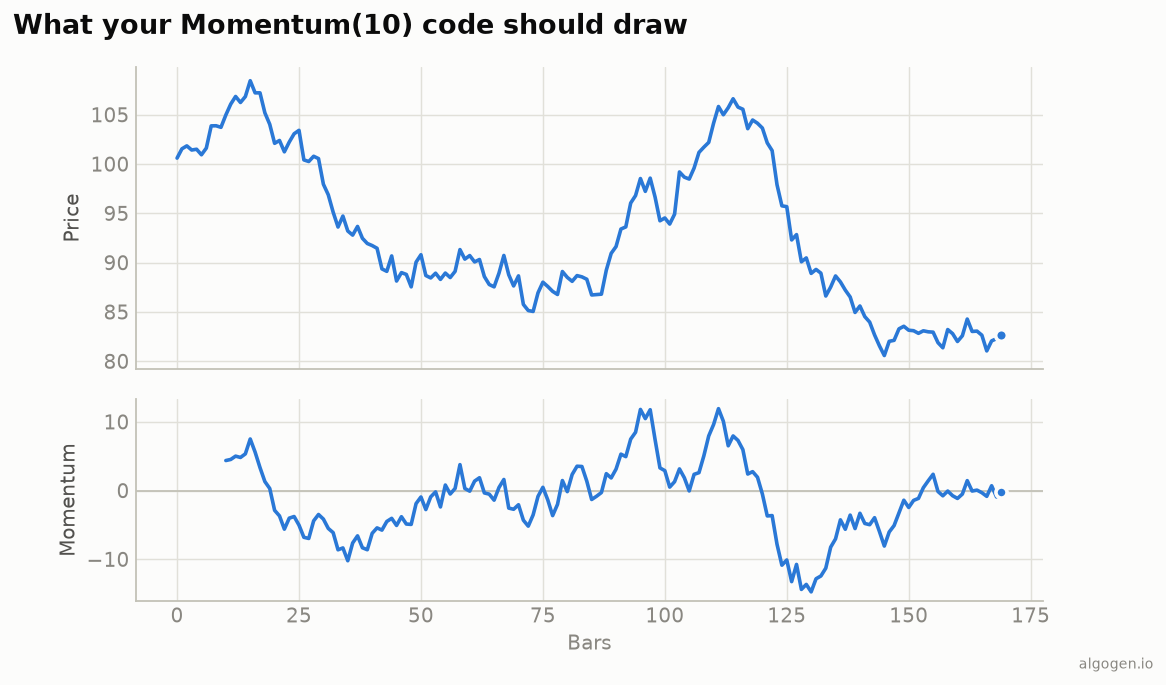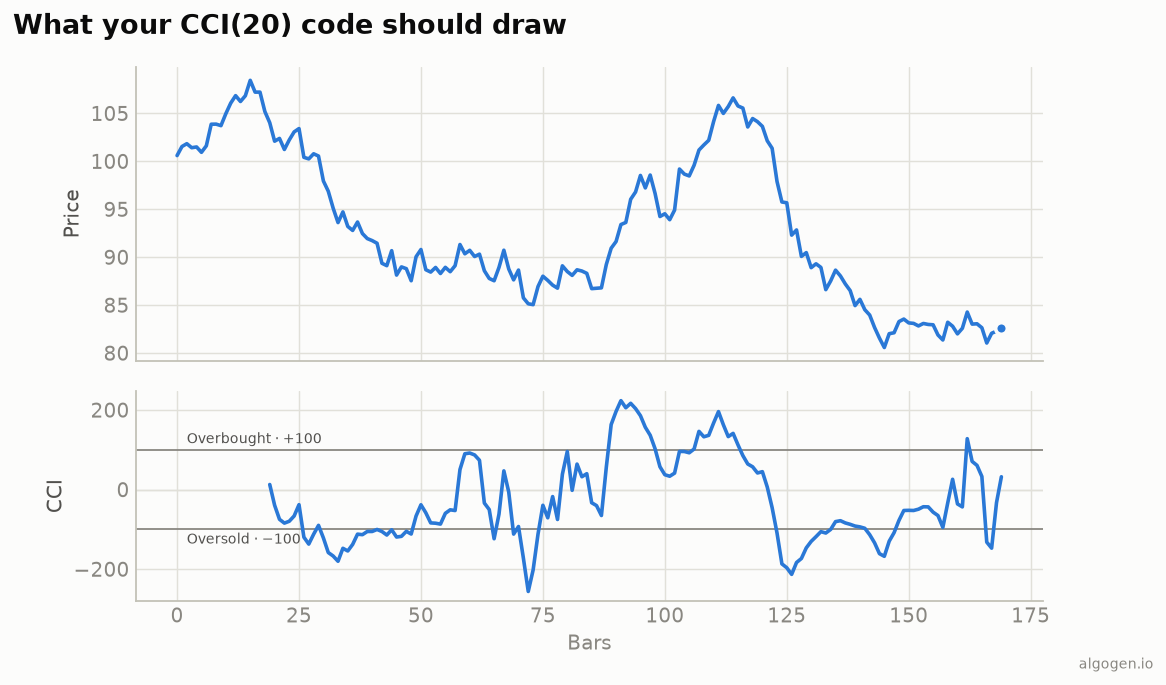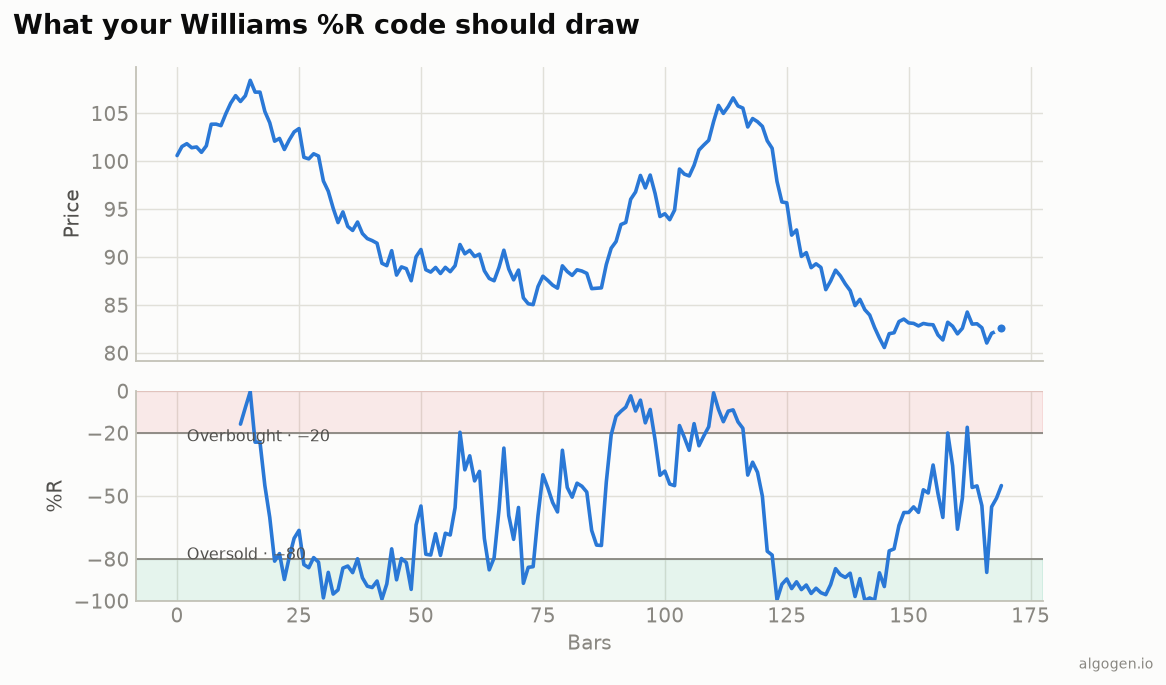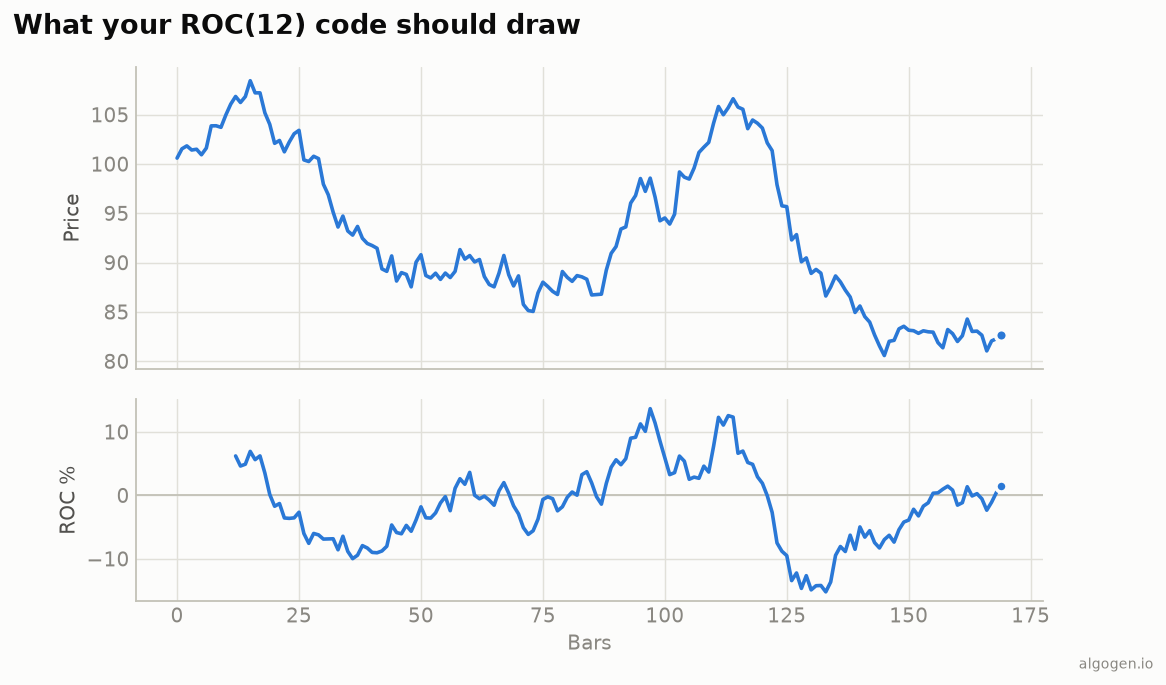
The Rate of Change is one of the easiest custom indicators to write in MQL5 — a single subtraction and division per bar. See the explainer for the concept.
What you’ll need
- MetaTrader 5 with MetaEditor
- Save as
AlgoGen.ROC.mq5underMQL5/Indicators/
The source
//+------------------------------------------------------------------+
//|                                                  AlgoGen.ROC.mq5 |
//|                                          Copyright 2026, AlgoGen |
//|                                           https://www.algogen.io |
//+------------------------------------------------------------------+
#property copyright "Copyright 2026, AlgoGen"
#property link      "https://www.algogen.io"
#property version   "1.00"
#property indicator_separate_window
#property indicator_buffers 1
#property indicator_plots   1

#property indicator_label1  "ROC"
#property indicator_type1   DRAW_LINE
#property indicator_color1  clrDodgerBlue
#property indicator_width1  2
#property indicator_level1  0.0

input int InpPeriod = 12; // ROC period

double ROCBuffer[];

int OnInit()
  {
   SetIndexBuffer(0, ROCBuffer, INDICATOR_DATA);
   PlotIndexSetInteger(0, PLOT_DRAW_BEGIN, InpPeriod);
   IndicatorSetString(INDICATOR_SHORTNAME, "AlgoGen ROC(" + (string)InpPeriod + ")");
   return(INIT_SUCCEEDED);
  }

int OnCalculate(const int rates_total, const int prev_calculated,
                const datetime &time[], const double &open[],
                const double &high[],   const double &low[],
                const double &close[],  const long &tick_volume[],
                const long &volume[],   const int &spread[])
  {
   if(rates_total <= InpPeriod) return(0);

   int start = (prev_calculated > InpPeriod) ? prev_calculated - 1 : InpPeriod;
   for(int i = start; i < rates_total; i++)
     {
      double past = close[i - InpPeriod];
      ROCBuffer[i] = (past != 0.0) ? 100.0 * (close[i] - past) / past : 0.0;
     }
   return(rates_total);
  }
//+------------------------------------------------------------------+
Install & compile
- Drop it in
MQL5/Indicators/, press F7. - Drag onto a chart — a separate window shows the ROC oscillating around its zero line, matching the output chart.
Gotchas
- Divide-by-zero guard.
past != 0.0protects against a zero reference price (rare, but cheap to guard). PLOT_DRAW_BEGIN. Set toInpPeriodso the line doesn’t draw before there’s an N-bars-ago price to compare against.- Percentage vs difference / MQL4. MT5’s built-in
iMomentumis the ratio form (close/close[n]×100), which oscillates around 100, not 0 — our version is the percent-change form around 0. Pick the convention you want. MQL4 ports directly by swapping theOnCalculatesignature.
Adding a signal line
To trade crossovers rather than the jumpy raw line, add a second buffer holding a
moving average of the ROC buffer (via iMAOnArray(ROCBuffer, ...) or a short manual
SMA loop), plot it, and act when ROC crosses it. Because ROC has no fixed extremes,
this signal-line approach — or a rolling z-score for “stretched” readings — is more
robust than hard-coding overbought/oversold numbers that won’t hold across symbols.
Same indicator elsewhere: Python, Pine Script, EasyLanguage, NinjaScript. Then test an ROC rule in AlgoGen.
This post is educational, not financial advice. Indicators describe the past; they don’t predict the future. Backtest anything before you risk real money on it.
Sources and further reading
- Technical indicator functions (MetaQuotes)